boxpdf is a tiny OSS toolkit for server-side PDF generation:
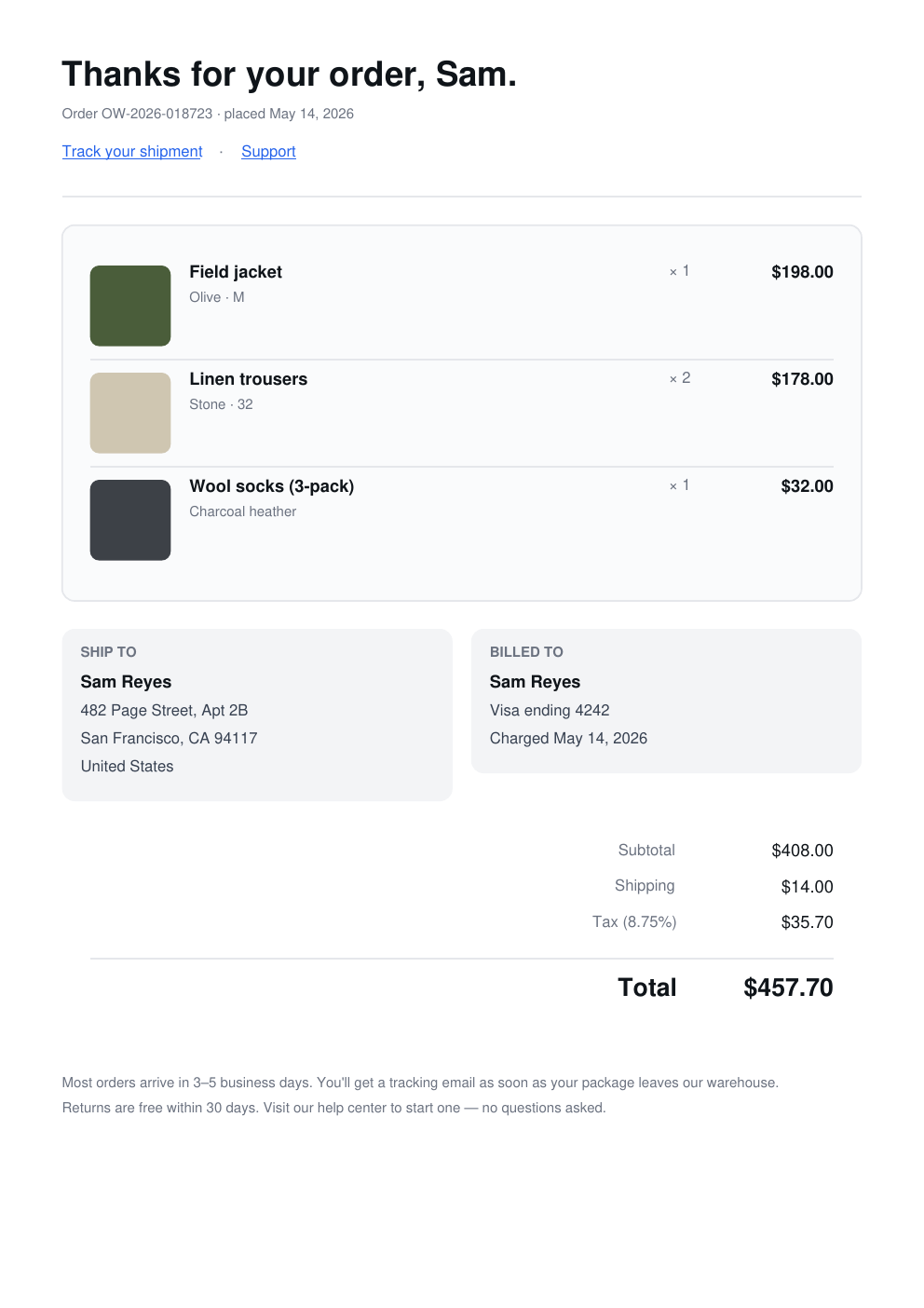
render document-style HTML + Tailwind CSS with boxpdf-html,
or build layouts directly with a flexbox-lite DSL over
pdf-lib. Runs in
Node, Cloudflare Workers, Deno,
and the browser. No WASM. No headless browser. No React.
HTML + Tailwind inputMIT open sourceNode, Workers, Deno, and browsersInteractive AcroFormsBounded-memory streamingPDF 2.0 AES-256
@boxpdf/reader opens PDFs from random-access sources, reconstructs visually faithful HTML, and keeps cache memory bounded as documents grow.
Runs at the edge
Works on Cloudflare Workers without nodejs_compat or any WASM flag. Verified end-to-end with embedded Inter.
Flex-ish layout, no coordinates
vstack / hstack with padding, margin, gap, justify, align, grow, shrink. Word wrapping and ellipsis.
Layout-aware AcroForms
Compose text fields, checkboxes, radio groups, dropdowns, option lists, and push buttons inside ordinary stacks and tables. Read, update, stream, encrypt, or flatten values without manual page coordinates.
Streaming output
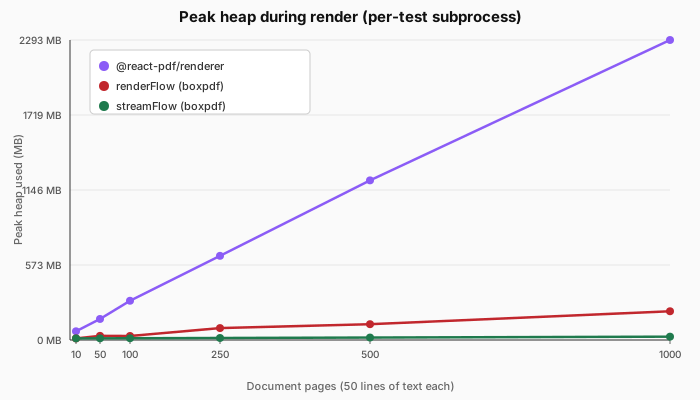
streamFlow emits bytes to a WritableStream as each page closes. In the 1000-page benchmark it used 25.4 MB peak heap versus 219.6 MB for renderFlow + pdf.save().
PDF 2.0 AES-256 encryption
Password encryption happens during serialization—including streamed output—with optional owner credentials and viewer permissions. No temporary plaintext PDF or encryption post-process.
Four named themes
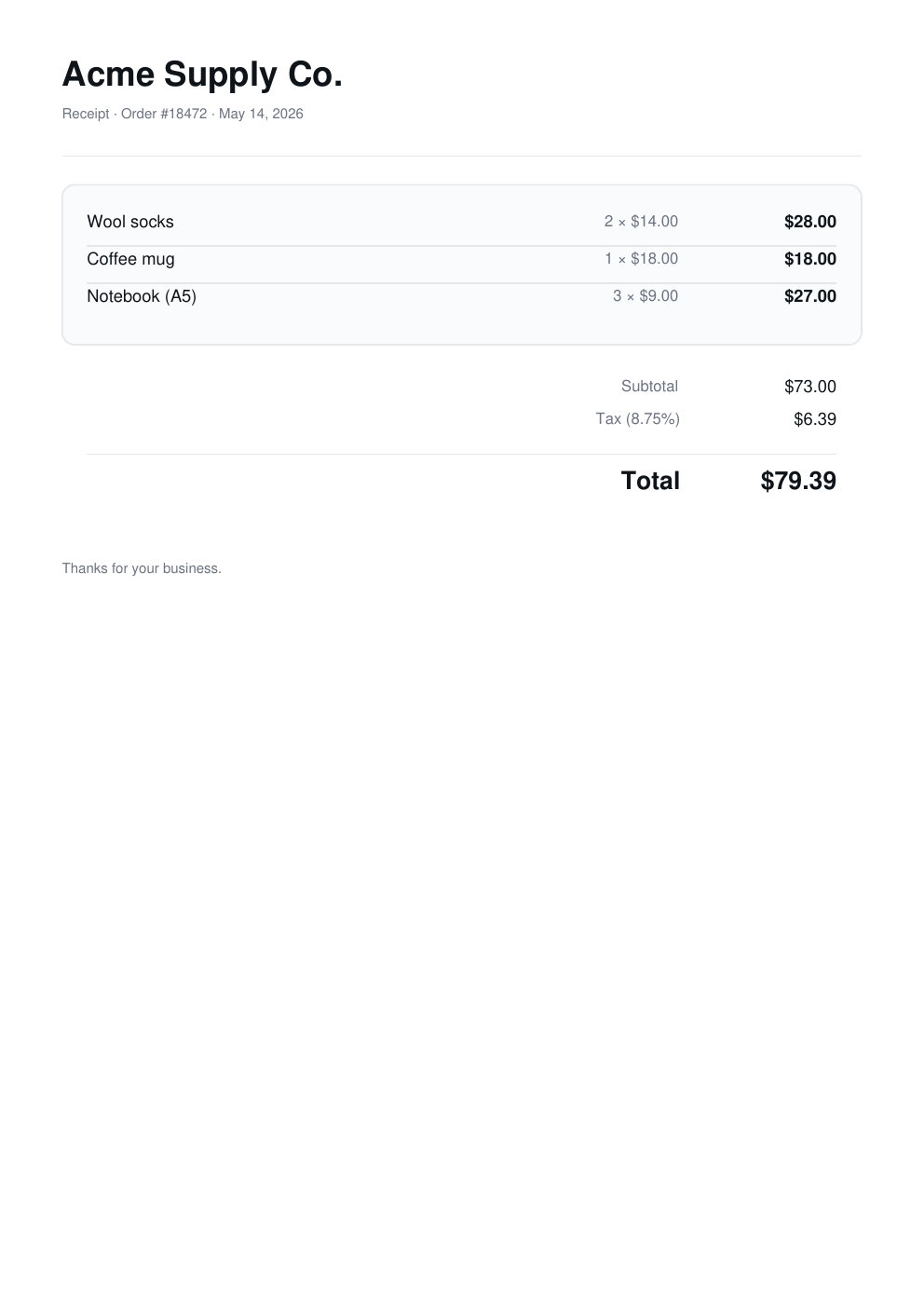
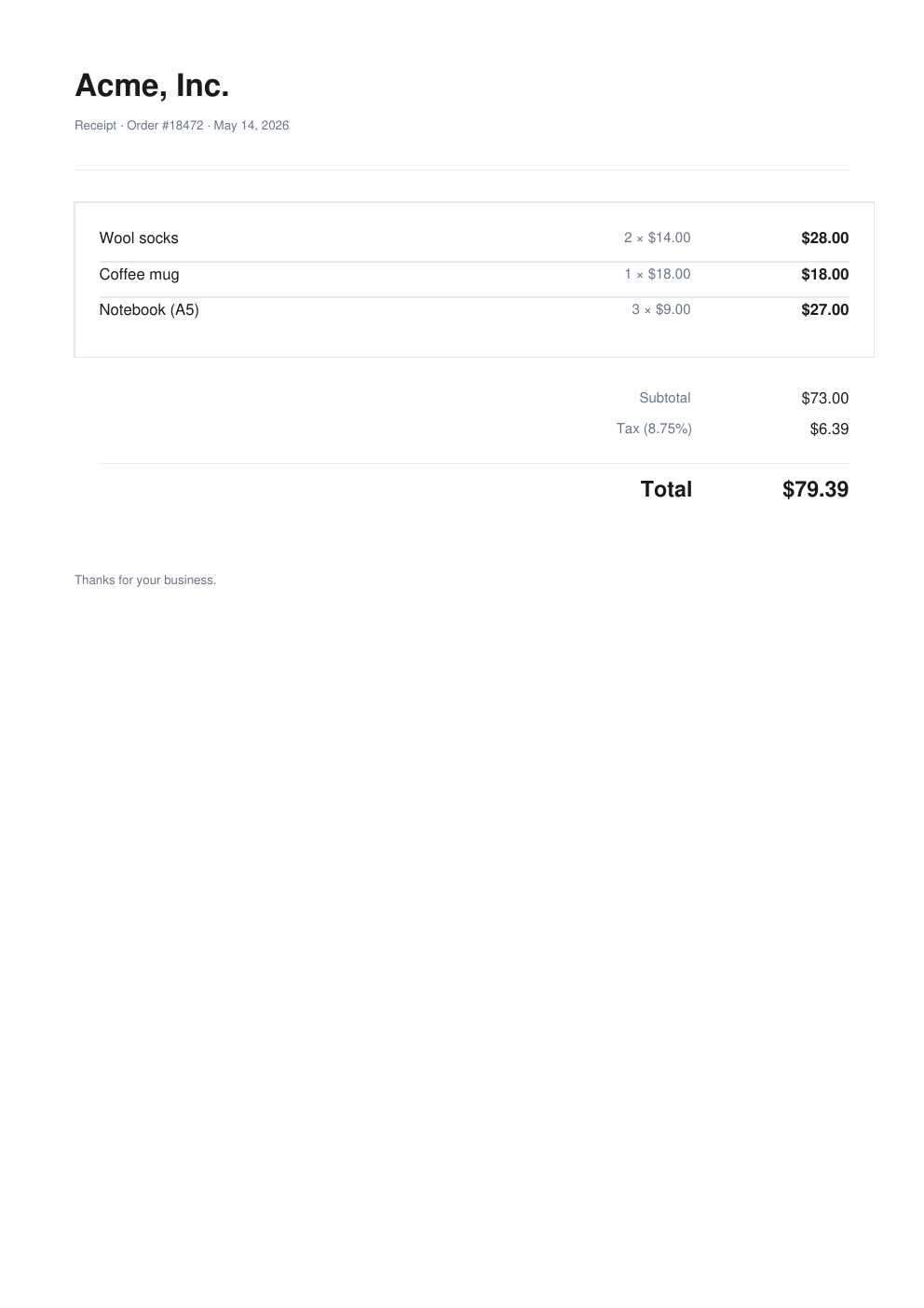
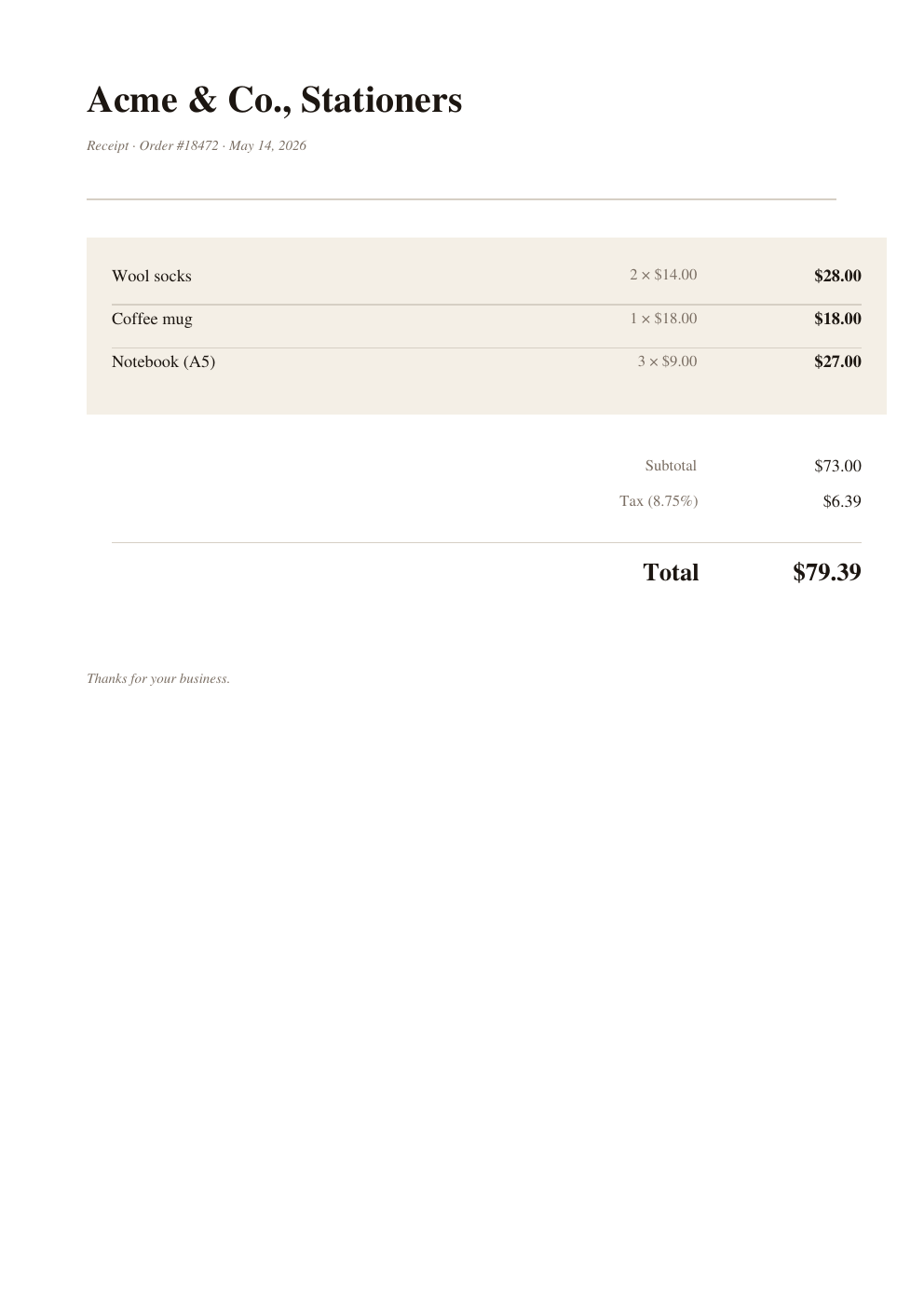
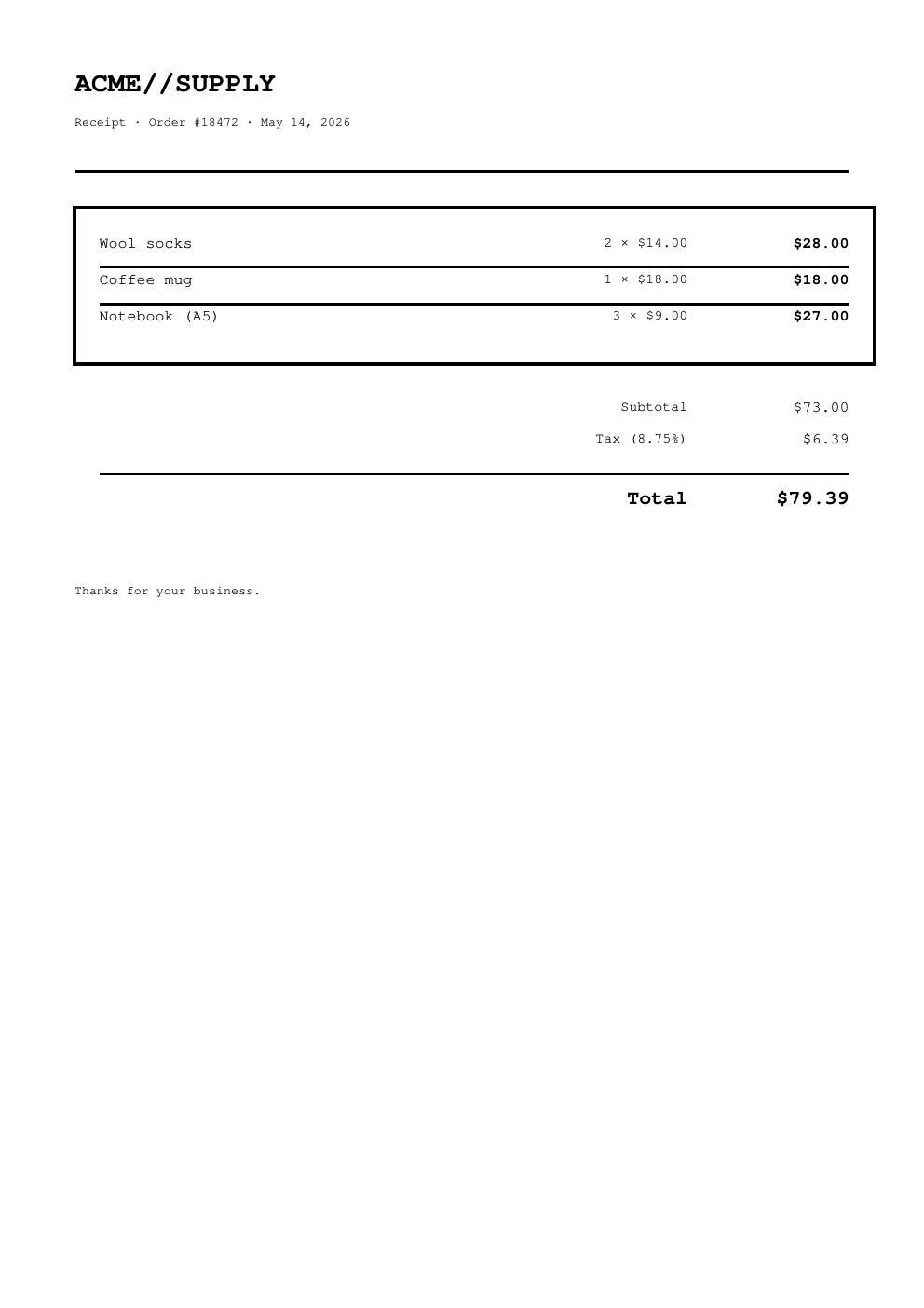
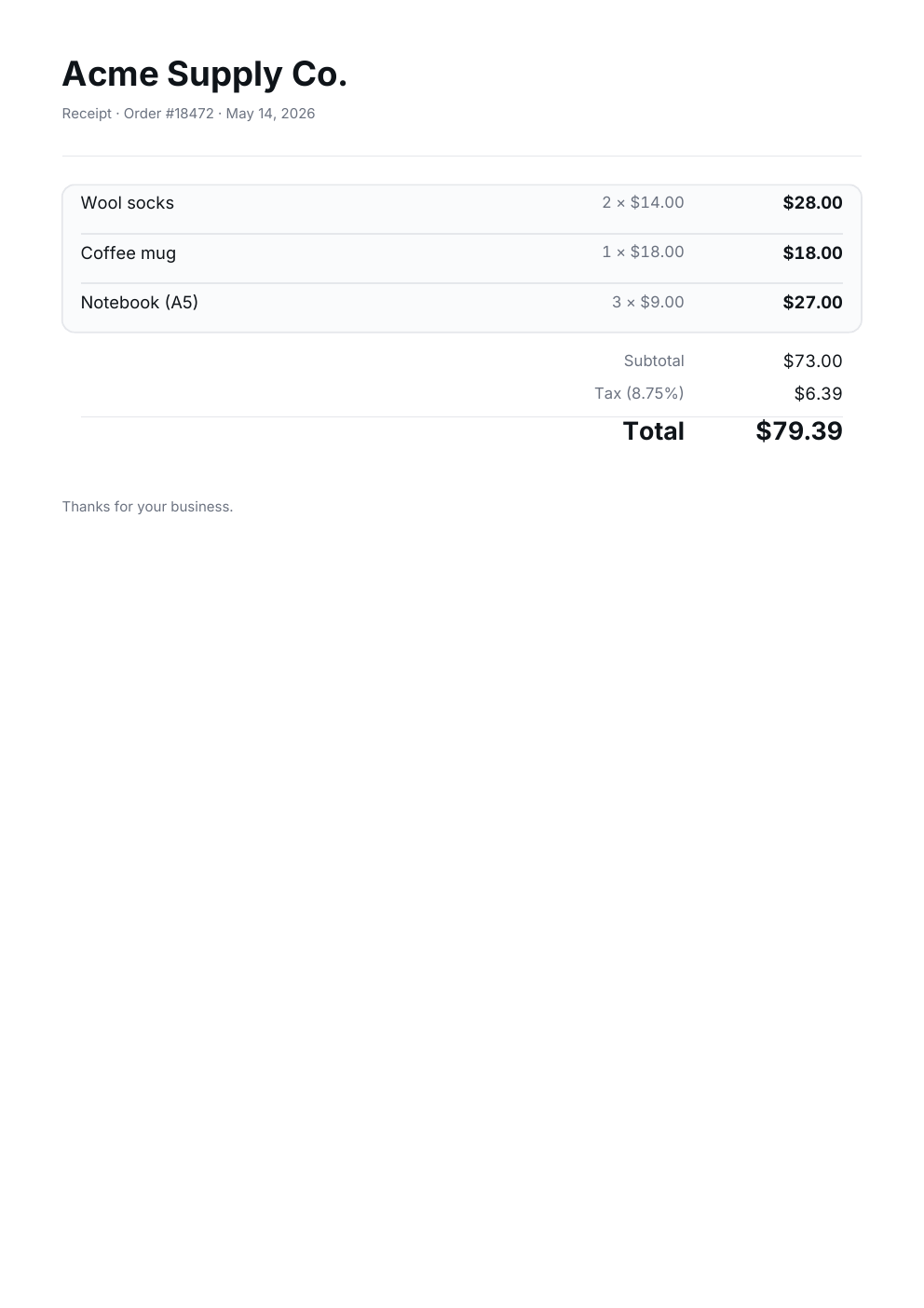
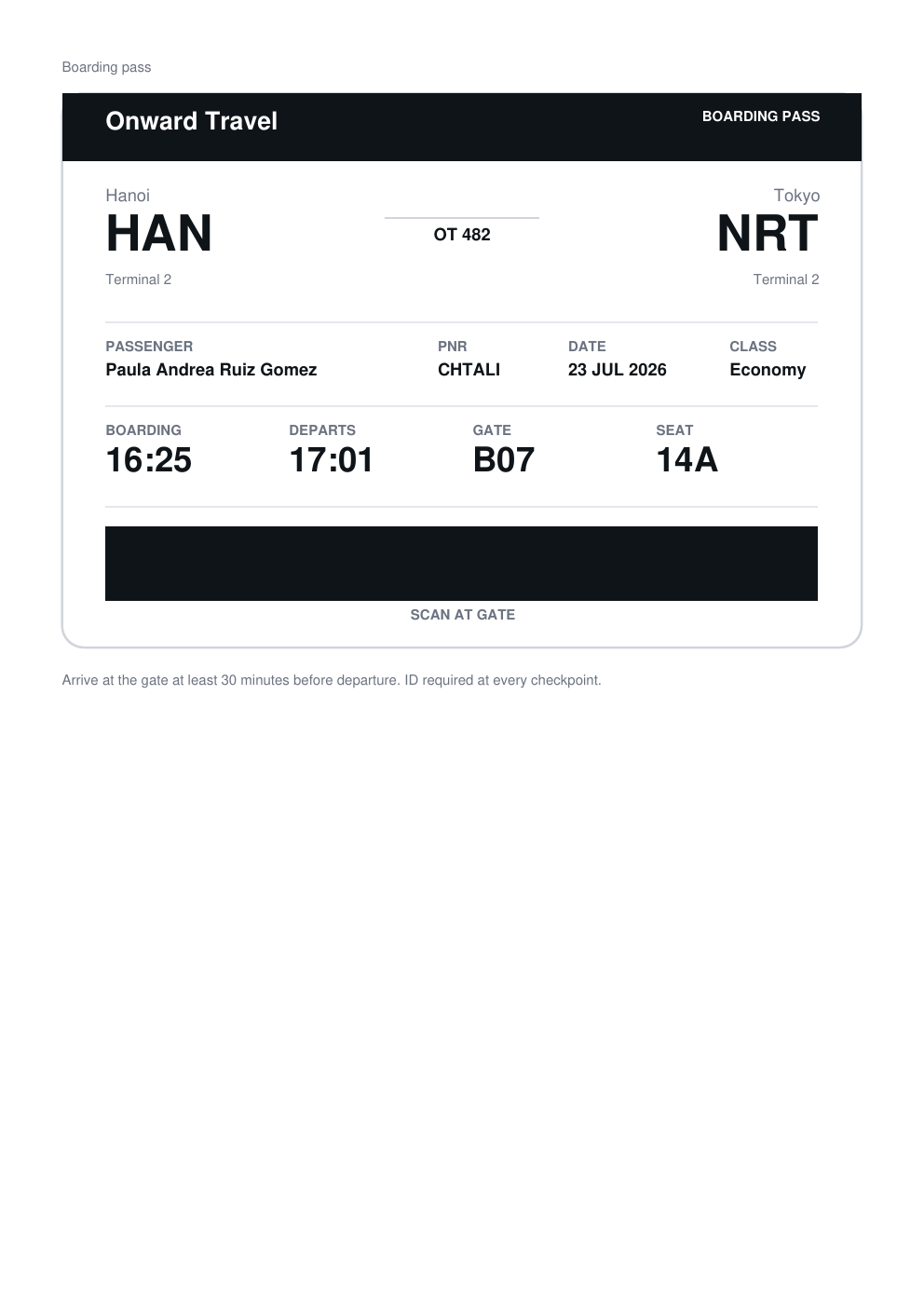
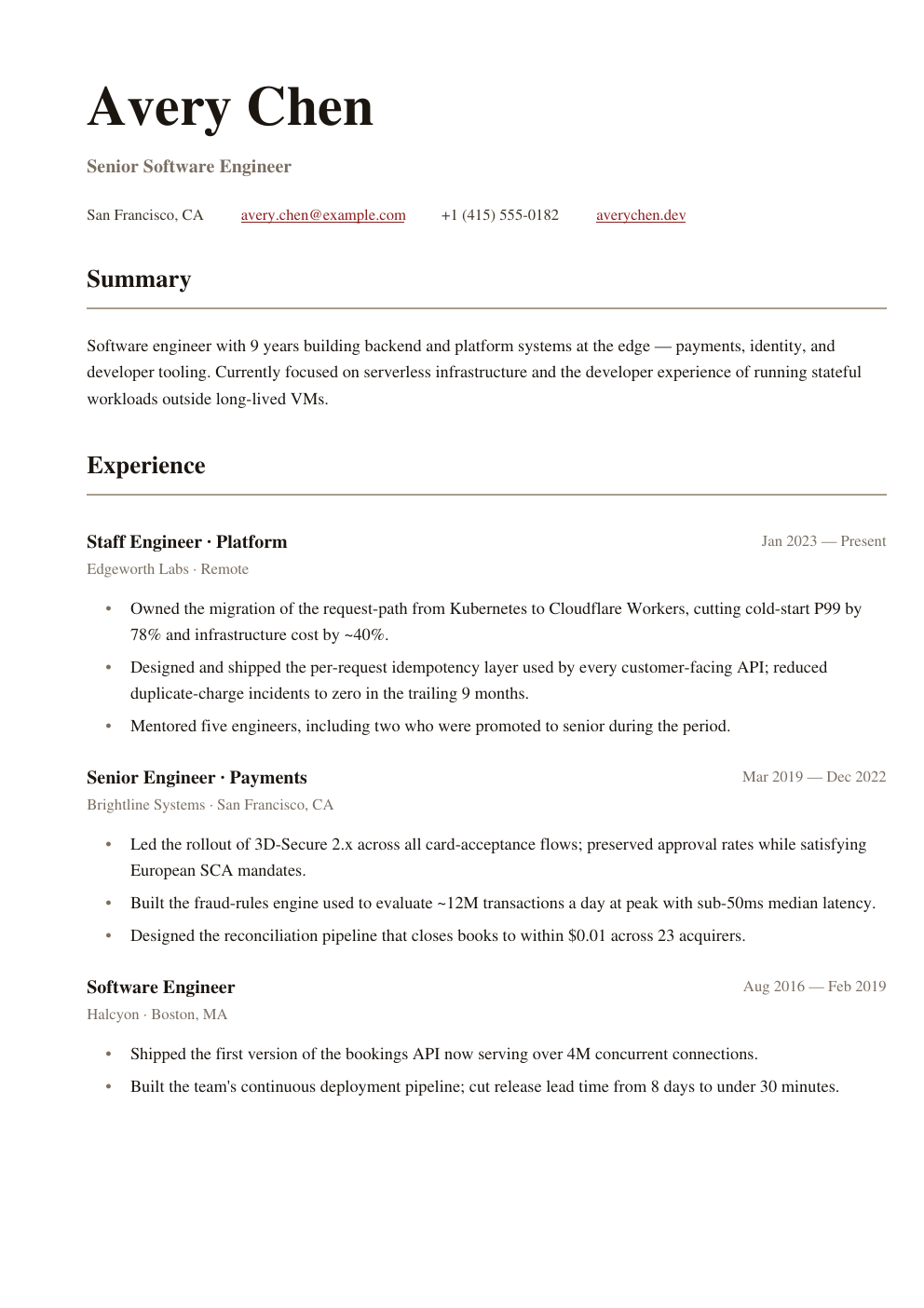
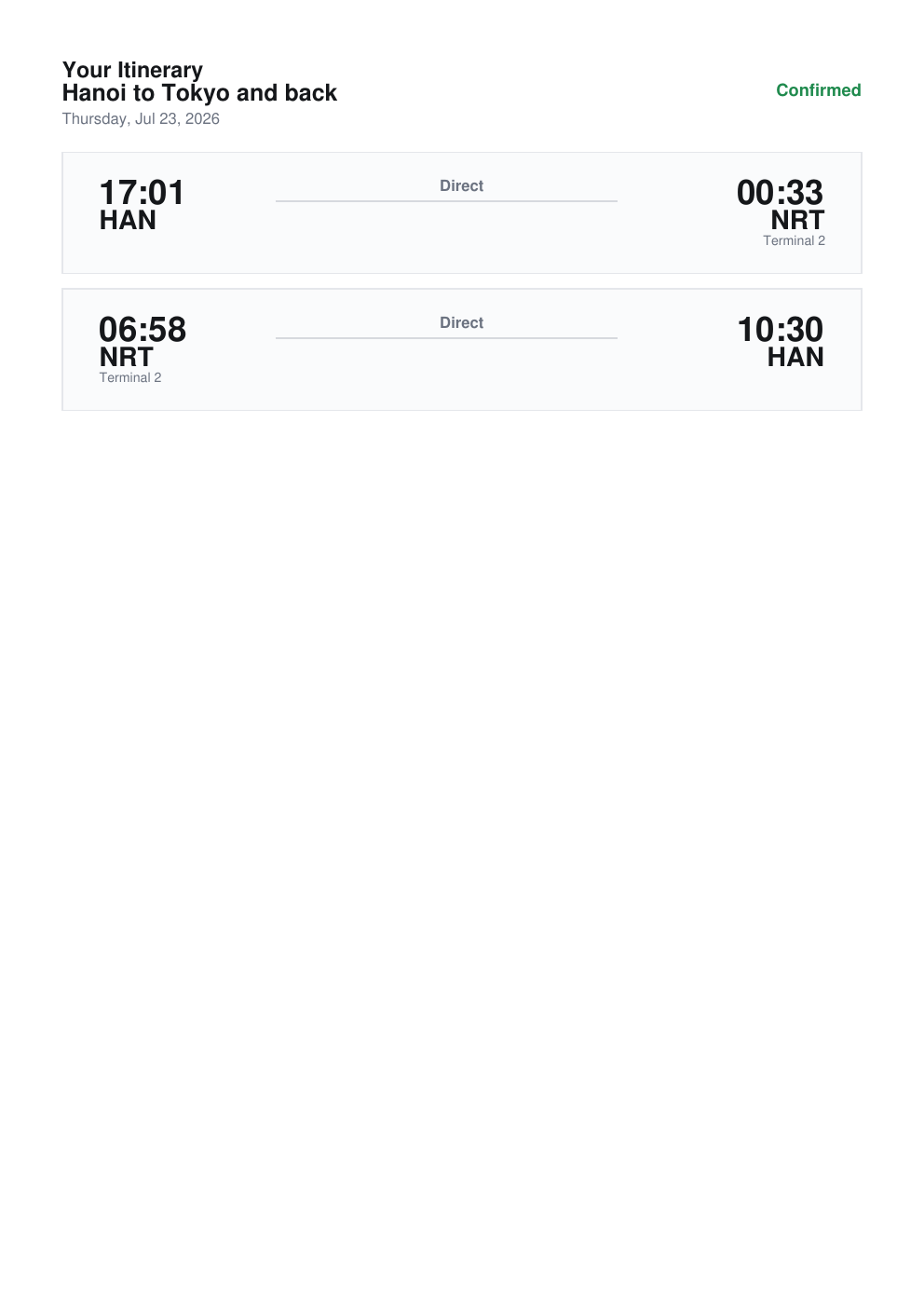
Drop-in cleanTheme, stripeTheme, editorialTheme, brutalistTheme. Same code restyles every template.
Multi-page flow
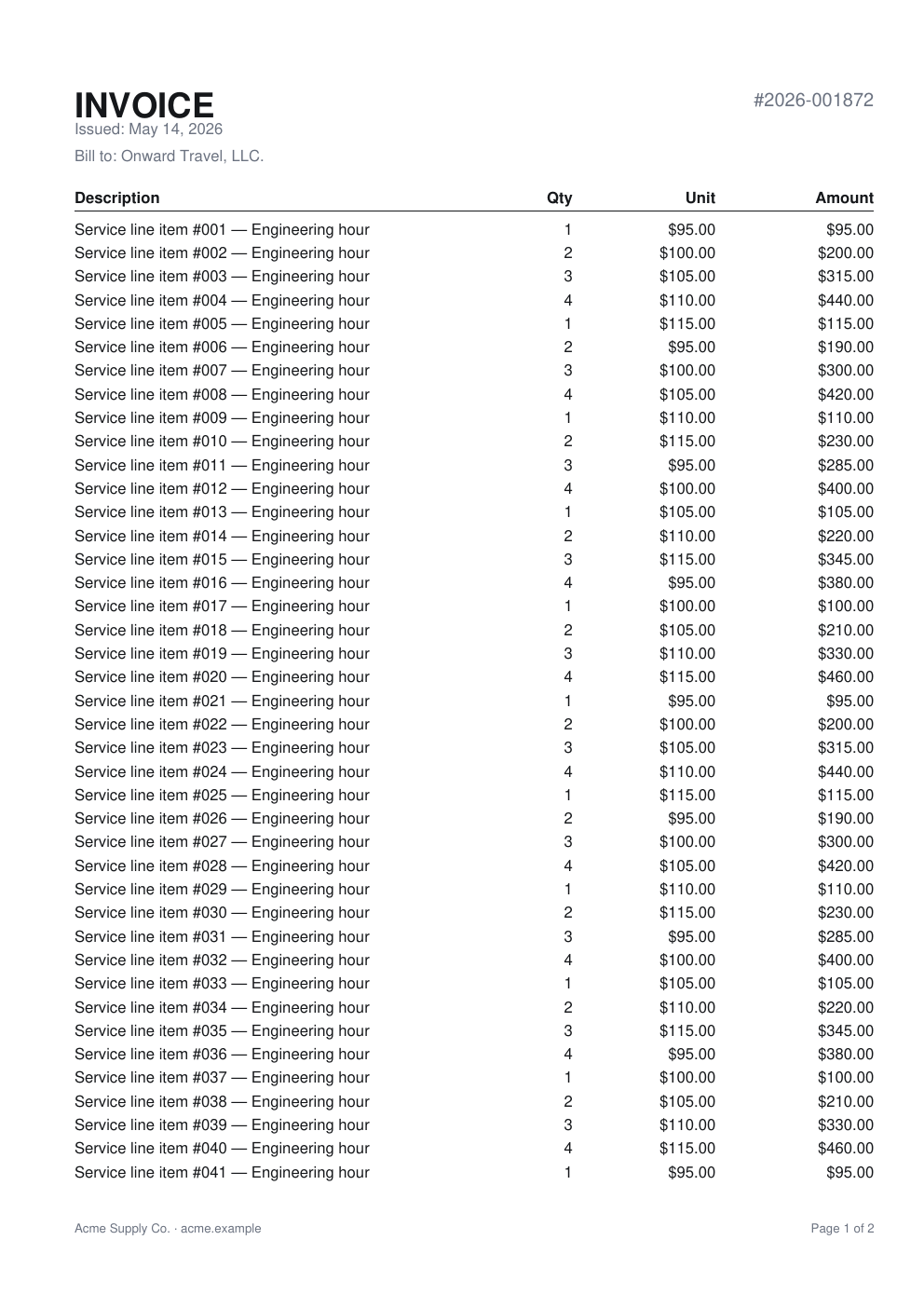
renderFlow paginates with atomic children. keepTogether bundles widows. Page headers and footers with { pageNumber, totalPages } built in.
Bring your own fonts
Optional @boxpdf/writer/inter ships subsetted Inter (82 KB / weight). loadFont(pdf, source) and the boxpdf font add CLI bundle any TTF as base64.
Hyperlinks, decorations, metadata
link({ href }, ...), underline, strikethrough, title / author / subject as renderFlow options.
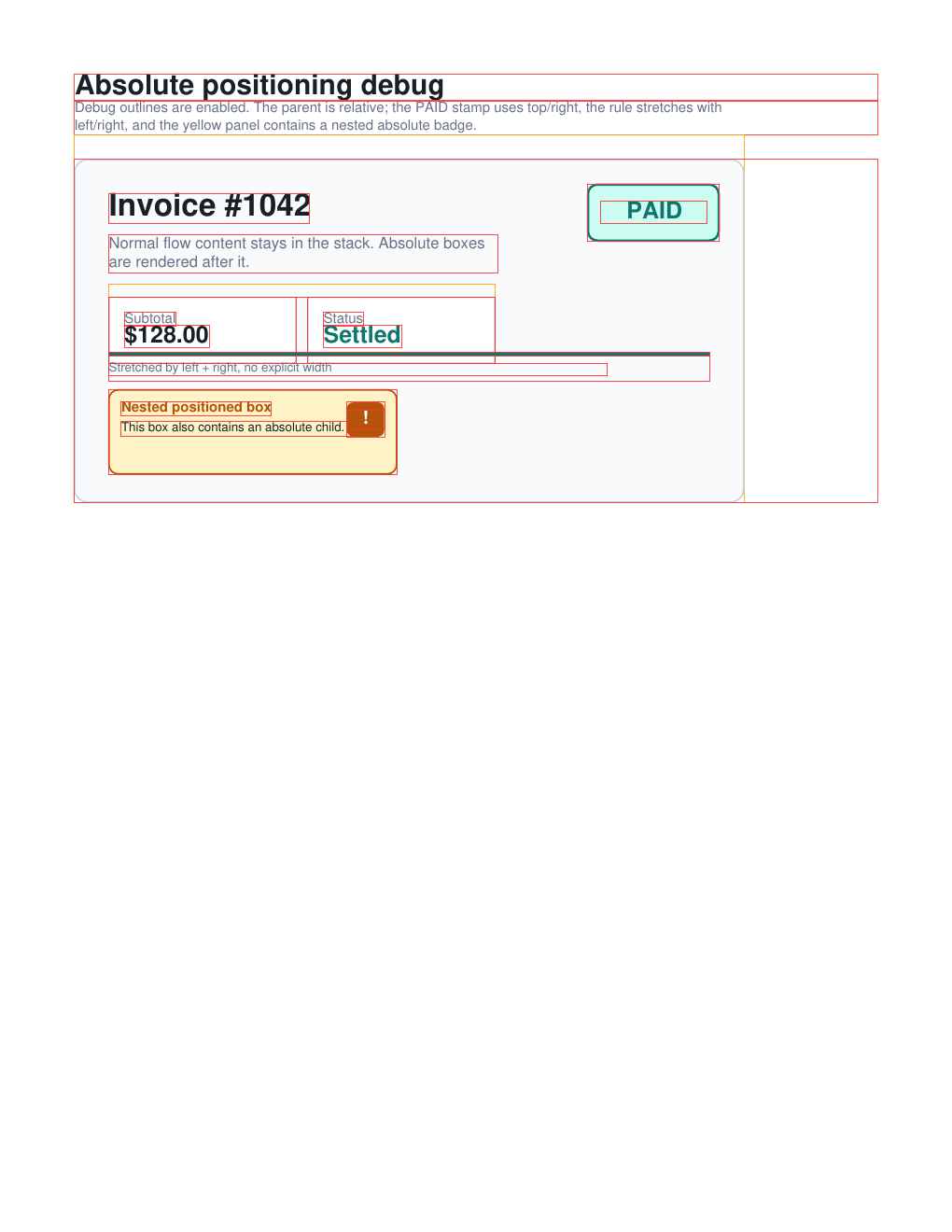
Debug overlay
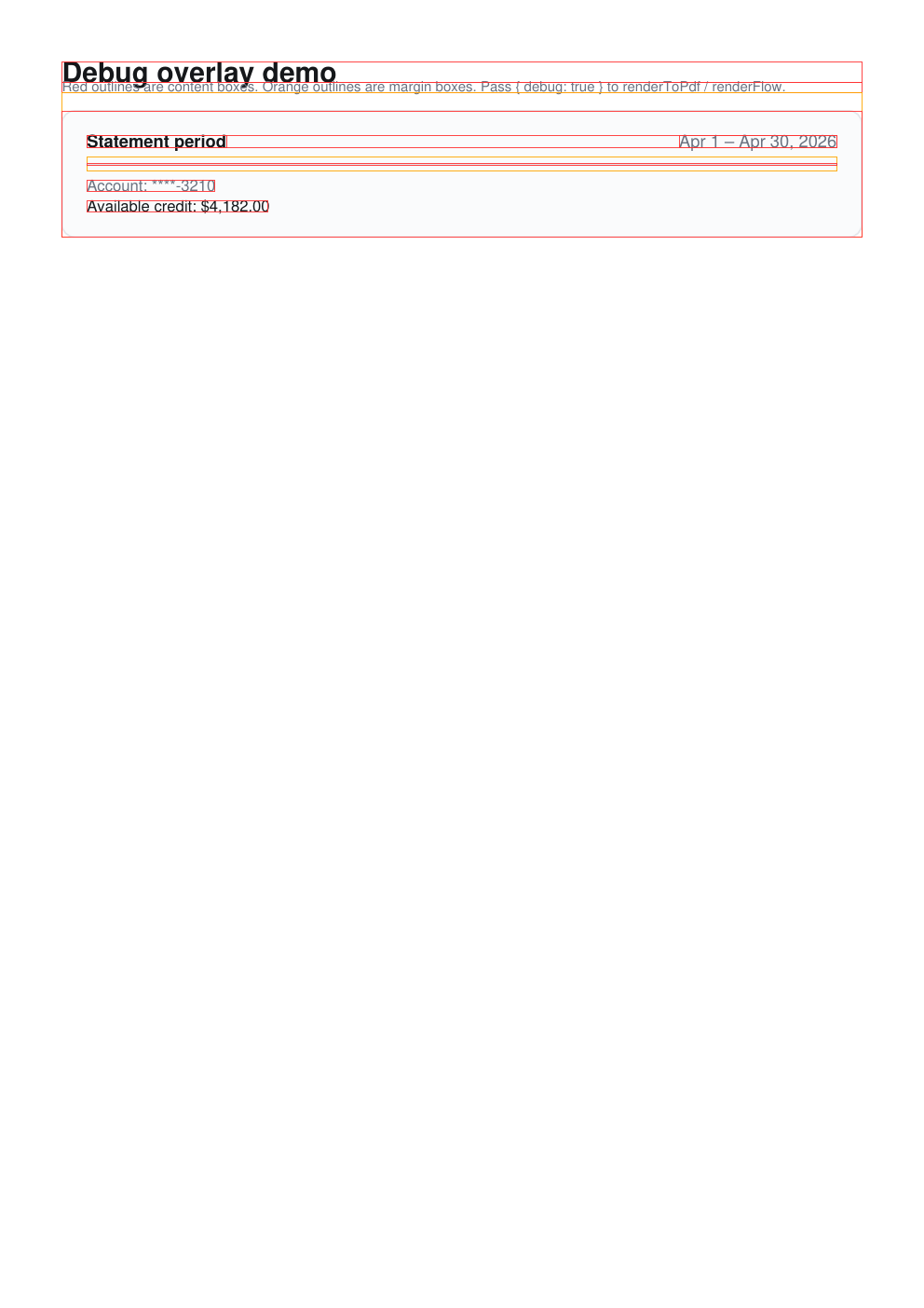
renderFlow(pdf, nodes, { debug: true }) outlines every content and margin box in red and orange. Trace layouts visually.
Tiny, tree-shakable
Core is <7 KB minified. @boxpdf/writer/inter and @pdf-lib/fontkit only load when you use them.
HTML and Tailwind to PDF
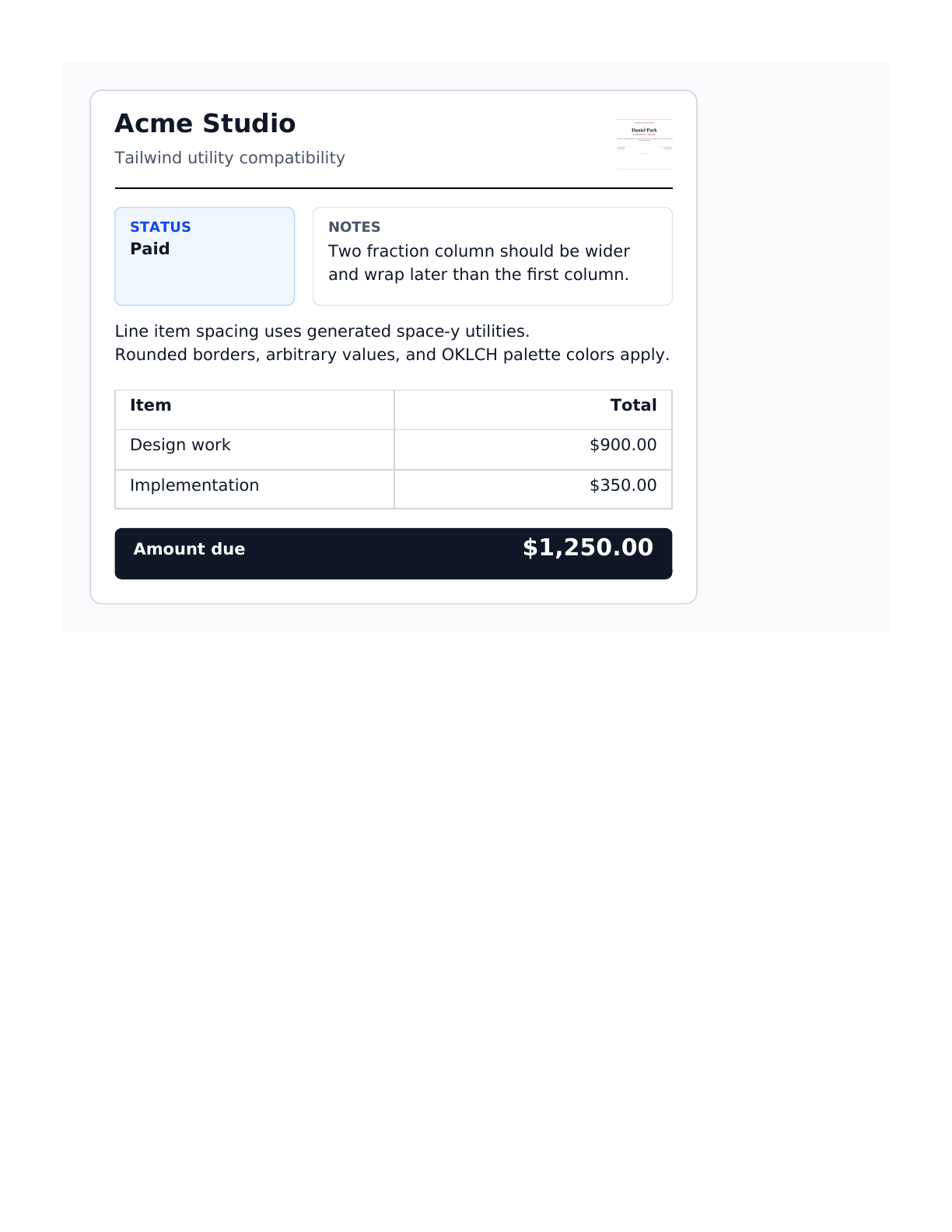
boxpdf-html is the open-source HTML renderer for boxpdf. It turns document-style HTML and generated Tailwind CSS into boxpdf primitives, so you can ship PDF output without a browser runtime.
The HTML CLI makes two bounded passes: one to discover CSS, fonts, and images, then one to parse, lay out, and write the PDF incrementally. A single open wrapper can span every fragment, so large real-world documents do not need artificial page-sized roots.
pdf-lib is a peer dependency. The original boxpdf package remains fully supported and publishes the same API and CLI at the same version. If you want custom-font embedding (incl. @boxpdf/writer/inter), @pdf-lib/fontkit comes along for the ride and is lazy-loaded only when you embed a non-standard font.
Cloudflare Workers
Both the core and the @boxpdf/writer/inter subpath are verified to run on Cloudflare Workers without nodejs_compat or any WASM flag. Drop it into a worker handler:
import { Hono } from "hono";
import { PDFDocument, StandardFonts } from "pdf-lib";
import { cleanTheme, renderFlow, text, vstack } from "@boxpdf/writer";

const app = new Hono();

app.get("/receipt.pdf", async (c) => {
  const pdf  = await PDFDocument.create();
  const font = await pdf.embedFont(StandardFonts.Helvetica);
  const bold = await pdf.embedFont(StandardFonts.HelveticaBold);
  const t    = cleanTheme(font, bold);
  await renderFlow(pdf, [
    text("Thanks!", t.type.h1),
    text("This PDF was generated at the edge.", t.type.body)
  ]);
  const bytes = await pdf.save();
  return new Response(bytes, { headers: { "content-type": "application/pdf" } });
});

export default app;
How it compares
boxpdf
pdf-lib
@react-pdf/renderer
jsPDF
Declarative layout
✓
✗
✓ (JSX)
✗
Cloudflare Workers
✓
✓
✗ (fontkit WASM)
partial
Streaming output
✓ streamFlow (Web Writable, bounded memory)
✗
Node only
✗
Custom fonts
✓ via fontkit (lazy)
✓ via fontkit
✓
limited
Core bundle
~7 KB gz
~250 KB gz
~250 KB gz
~80 KB gz
JSX runtime conflict
none
n/a
requires React
n/a
Sizes are approximate. Measure yourself.
Memory bench
Peak heap during render. 50 lines of text per page. Each measurement runs in its own subprocess. @react-pdf/renderer uses Standard Helvetica (no font embedding) to match the boxpdf paths.
boxpdf writes PDF 2.0 Standard Security Handler documents with AES-256. Strings, content streams, fonts, and images are encrypted as objects are serialized, preserving bounded document memory.
The same encryption option works with savePdf, flowToPdf, and renderToPdf.
CLI, without secrets in process arguments
export BOXPDF_PASSWORD="open me"
npx @boxpdf/html-reader archive.html archive.pdf --stream --password-env BOXPDF_PASSWORD
The CLI reads the password from the named environment variable. Owner passwords and viewer permissions are available through the library API. Viewer permissions are advisory, as defined by the PDF standard.
 boxpdf